Shopify Editions Fall '26: the 10 most important updates for your store
 Patrick Verhoeks
 Shopify launched more than 150 updates in the Fall '26 Editions. We break down the ten most impactful changes for Shopify merchants.
Twice a year, Shopify publishes an ‘Edition’ — a complete overview of everything that’s new. The Fall ‘26 Edition is all about exponential growth through AI. More than 150 updates, most centred around one central question: how do you make your store sell in places you’ve never been able to reach before?
Here are the ten updates with the biggest impact for online merchants.
The numbers behind Fall ‘26
150+ new features · 400M+ shoppers with Shop Pay · 4.2x growth in Sidekick usage
1. Agentic storefronts: your store in every AI assistant
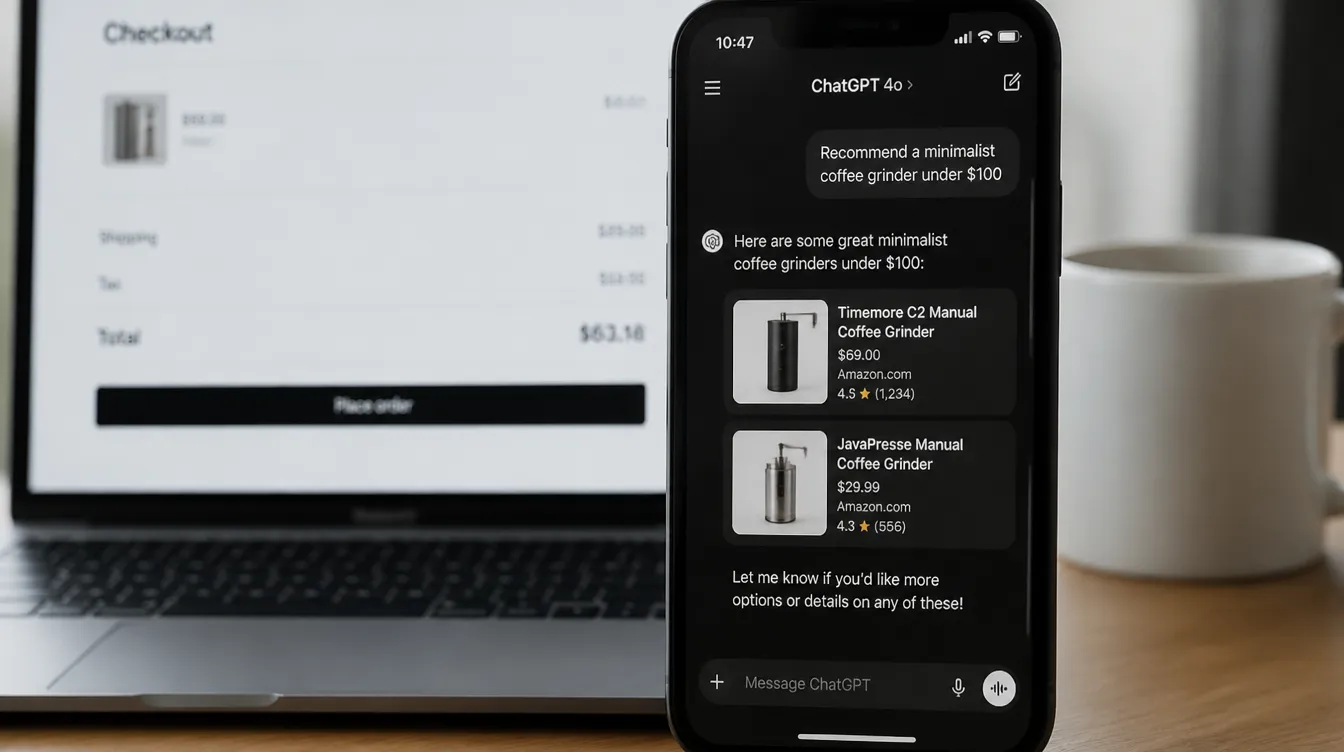
The most fundamental update: your Shopify store is now available as a sales channel via external AI assistants. Customers don’t need to visit your site — they buy through whatever AI they already use.
Available channels:
| AI Assistant | What customers can do |
|---|---|
| ChatGPT | Search, compare, check out with Shop Pay |
| Google Gemini | Buy via Google AI Mode and the Gemini app |
| Grok Bot (X) | Discover and order via X/Twitter |
| Meta Muse | Shop via Instagram and WhatsApp |
| Claude Duet | Check out with Shop Pay in chat |
| Microsoft Copilot | Manage via Microsoft 365 |
The technical foundation: Shopify Catalog structures your product data, shop.md shares your store description with agents, and Shop Pay handles checkout.
Full guide: how to set up agentic storefronts
2. Shopify Sidekick: from assistant to operations tool
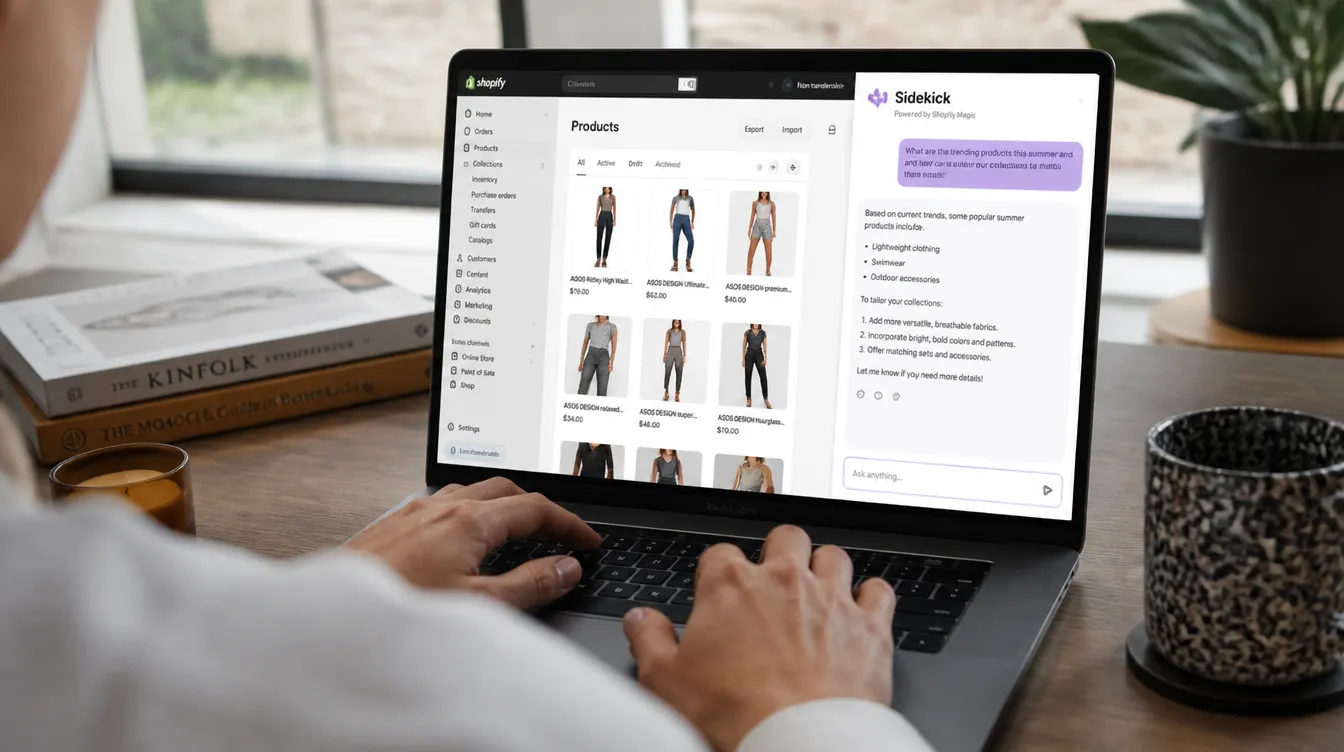
Sidekick has grown significantly. The three biggest additions:
Bulk changes at once One instruction, dozens of products. Ask Sidekick to rewrite all descriptions in a collection — it queues them up for your approval.
SimGym: A/B testing before going live Sidekick now connects to SimGym, a tool that simulates proposed improvements before they go live. Set a goal, SimGym tests scenarios, Sidekick advises.
Market and app awareness Sidekick now considers the apps in your stack and conducts web research about your market and industry.
All new Sidekick features in detail
3. Shopify Canvas: your entire store in one view
The theme editor has been fundamentally redesigned. In Canvas, you see your complete store in one editable overview — homepage, product pages and collections all at once.
Merchants launch an average of 20% faster with Canvas than with the classic editor.
Work with Sidekick to turn ideas directly into a functional design. Canvas remembers your design preferences via markdown files in your theme.
How Canvas works and what you can do with it
4. Shopify Protect: block fraud before the order
New: high-risk payments are blocked before they become an order — not after. Shopify analyses thousands of signals in real-time and automatically stops 12,000+ high-risk attempts per minute across the entire network.
When a chargeback occurs, Shopify automatically generates a tailored response:
- Evidence: delivery photos, authentication data, receipts
- Response tailored to the bank and the dispute reason
- Result: 60% more won “product not received” disputes
Shopify Protect explained in full
5. Rollouts: launch campaigns as one coordinated unit
Seasonal campaigns like Black Friday require synchronised changes: theme, discounts, catalogues and checkout settings. With Rollouts, you do that in one planned launch — and roll back automatically when the promotion ends.
6. Better storefront search (+8% add-to-cart)
The search function on your store now gives smarter suggestions as customers type. Shopify reports a +8% increase in add-to-cart from the search bar after this update.
7. Checkout improvements: tiled payment options + custom fields
Two practical checkout updates:
- Tiled payment options: iDEAL, credit card, Apple Pay and PayPal displayed as tiles instead of radio buttons
- Custom fields: add text inputs, date pickers or checkboxes for delivery instructions or gift messages — no app needed
8. POS: customer recognition and saved carts
In-store, Shopify POS now recognises more visitors automatically via the Shop Pay network. A known customer has on average 60% higher lifetime value than an unknown one.
New feature: shopping carts are saved and can be handed between staff members.
9. Sell via Google AI Mode
Shopify stores are now discoverable in Google Search in AI Mode and the Gemini app. Customers buy directly in the Google chat; you manage orders in your admin as normal.
10. More local payment methods in Shopify Payments
Now available: Alipay, WeChat Pay, Satispay, Scalapay and GrabPay — both online and in-store.
What to do now
| Action | Impact | Effort |
|---|---|---|
| Set up agentic storefronts | High | ⏱ 2–4 hours |
| Activate Shopify Protect | High | ⏱ 30 min |
| Explore Canvas for your next update | Medium | ⏱ 1–2 hours |
| Set up Rollouts for BFCM | High | ⏱ 1 hour |
Want to know which updates will have the most immediate impact on your store? Schedule a free call — we’ll walk through it together.
Frequently asked questions
-
What is the biggest change in Shopify Fall '26?
The biggest shift is agentic commerce: your Shopify store is now available via AI assistants like ChatGPT, Google Gemini, Grok and Meta Muse. Customers can discover and buy products through these channels without visiting your site.
-
Is Shopify Canvas available for all merchants?
Yes, Shopify Canvas is available on all Shopify plans. You'll find it under Online Store → Themes → Canvas in your admin.
-
Does my store automatically work with agentic storefronts?
Not automatically. You need to activate Shopify Catalog, enable Shop Pay and connect each AI channel (ChatGPT, Gemini, Grok etc.) separately via Sales Channels in your admin.
-
What is SimGym and how does it work?
SimGym is a simulation tool used by Shopify Sidekick to test proposed store improvements before they go live. You set a goal (more conversions, higher AOV) and SimGym tests which changes best achieve that goal.
- #shopify
- #shopify editions
- #shopify updates
- #agentic commerce
- #shopify sidekick
- #shopify canvas