Shopify Canvas: design your entire store in one view
 Patrick Verhoeks
 Shopify Canvas is the new store editor that shows your complete store in one editable overview. Here's how it works and what it means for your Shopify store.
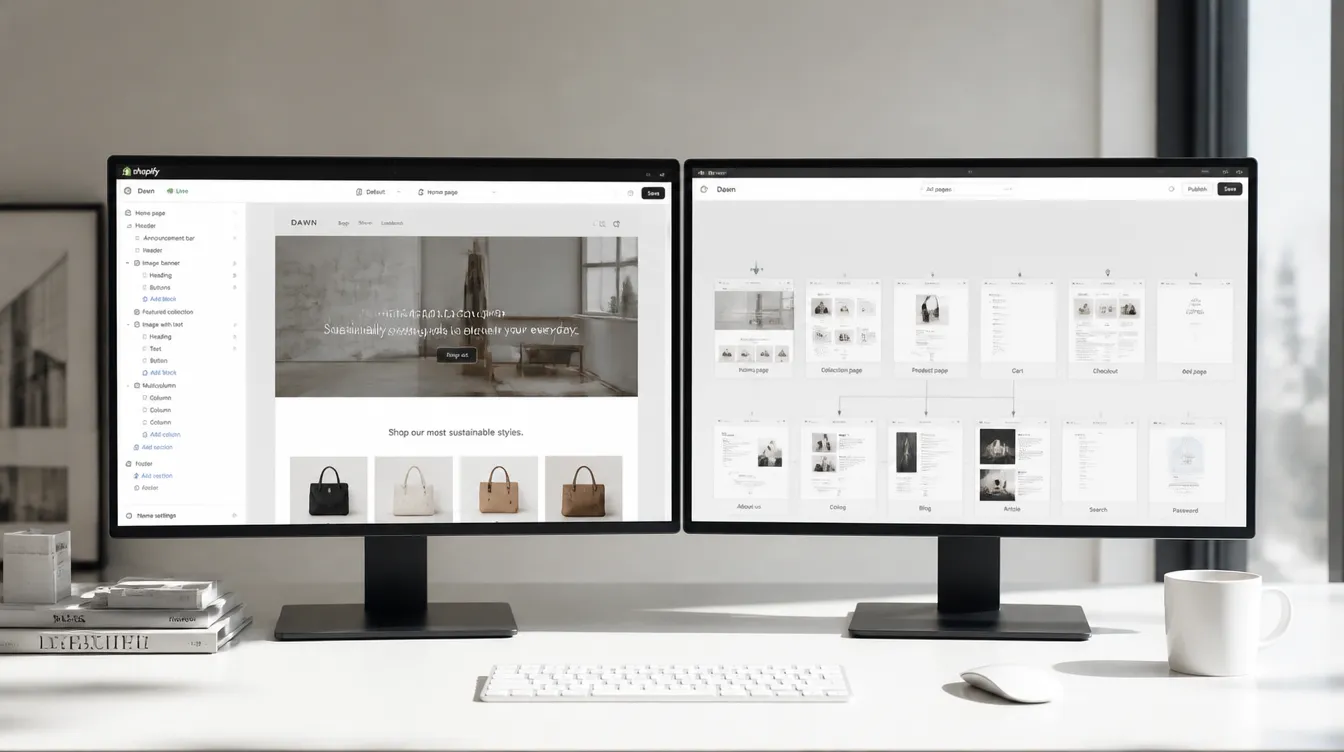
The way you design a Shopify store has fundamentally changed. With Shopify Canvas — introduced in the Fall ‘26 Edition — you see your entire store in one editable overview and work with Sidekick to translate ideas into a functional design at speed.
Merchants launch an average of 20% faster with Canvas than with the classic editor.
What makes Canvas different?
The classic Shopify editor works page by page. You open the homepage, adjust a section, close the editor, open another page. Canvas reverses that:
| Classic editor | Canvas | |
|---|---|---|
| Overview | Per page | Full store in one view |
| AI integration | Limited | Full Sidekick integration |
| Bulk changes | Not possible | Via Sidekick |
| Design memory | None | Via markdown files |
| Speed to launch | Standard | ~20% faster |
| Available via AI agent | No | Yes (ChatGPT, Claude) |
How Canvas works
Step 1 — Open Canvas
Go to Online Store → Themes in your admin and select Canvas as your editor. Your full store appears as one scrollable, editable overview.
Step 2 — Navigate and zoom
Canvas works like a design tool:
- Zoom out → see all pages and their relationships
- Zoom in → edit specific sections, text or images
- Click any element → edit it directly
Step 3 — Work with Sidekick
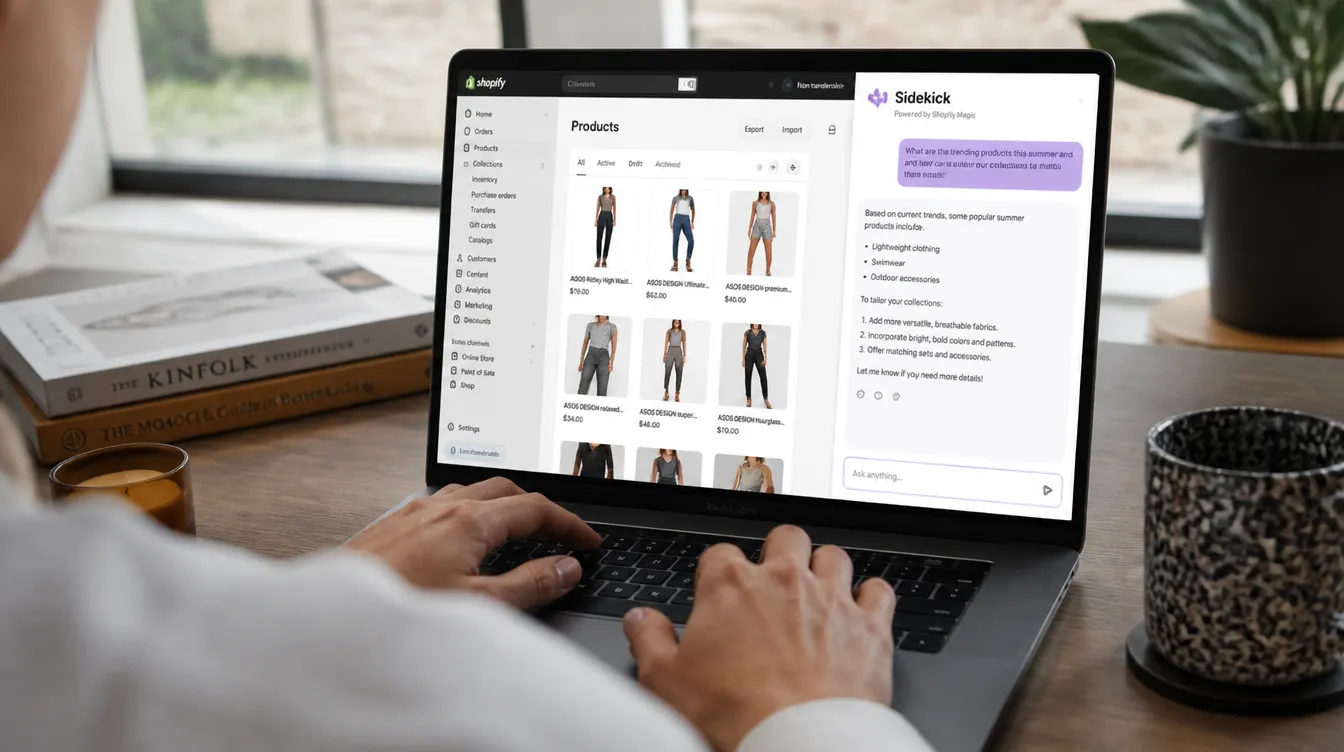
For larger changes, use Sidekick via the floating chat:
“Give the homepage a summer feel: more white space, light blue accents and larger product images”
Sidekick queues the changes. You review and approve. Only then are they applied.
What Sidekick can do via Canvas:
- Add, move or remove sections
- Apply style changes across multiple pages at once
- Remember your design preferences via markdown files in the theme
Step 4 — Save design preferences
Canvas supports markdown files that record your design decisions. Set your colour palette, typography and layout principles once — Sidekick applies them automatically in future sessions.
Canvas via AI agents
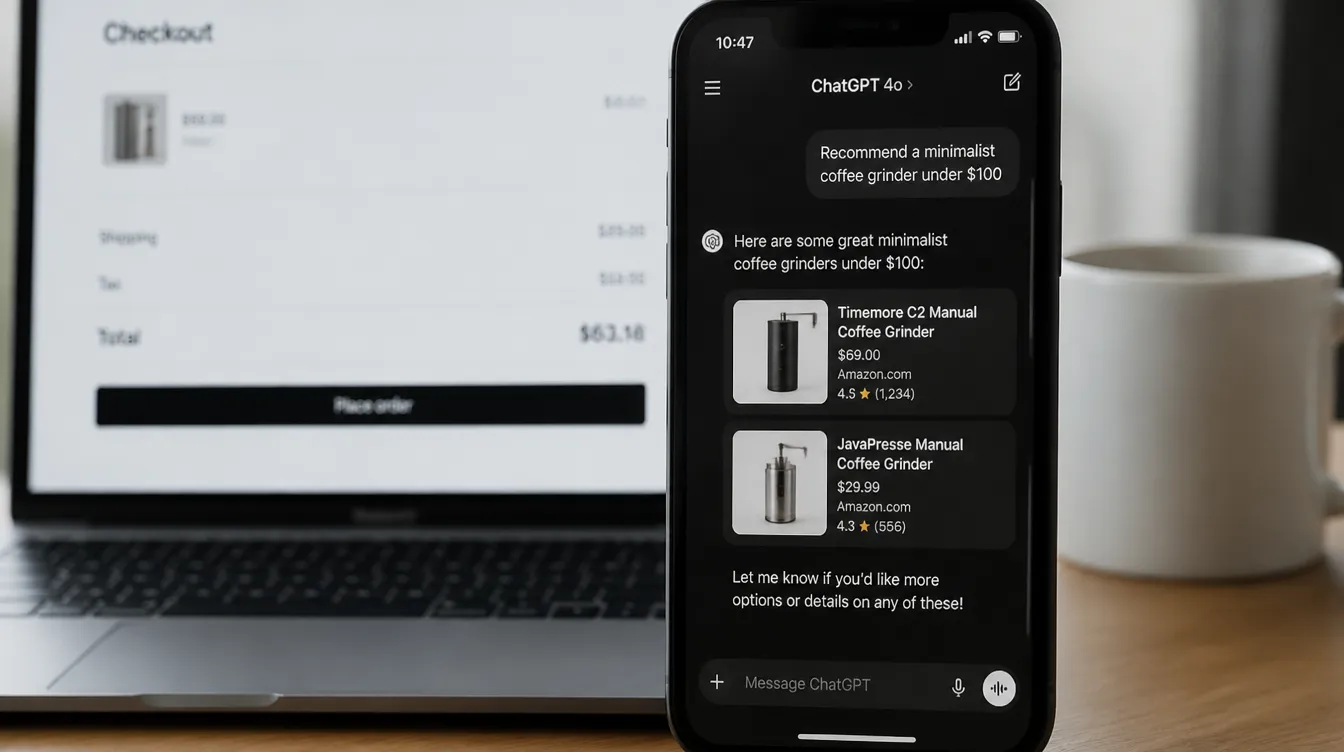
Canvas is also available outside the Shopify admin: via AI agents like ChatGPT and Claude. You can design your Shopify store without leaving your browser.
In ChatGPT: "Update my Shopify homepage:
 move the hero section down and
 add a trust strip at the top"

→ Shopify Canvas processes the instruction
→ Preview appears in your admin
→ You approve → goes live
Who benefits most from Canvas?
New stores Canvas is the recommended starting point for new Shopify stores. No theme knowledge required; Sidekick guides you from a blank canvas to a complete, personalised store.
Existing stores ready for a refresh Switch to Canvas for future edits without losing your current theme. Ideal for seasonal refreshes or a full redesign.
Agencies and developers Canvas speeds up the design process by ~20%. Markdown files make it possible to save design systems and reuse them across multiple stores.
Getting started with Canvas
Canvas is built into every Shopify plan — no additional cost.
- Go to Online Store → Themes → Canvas
- Explore your store in the new overview
- Try one change via Sidekick: “Add a section featuring our three bestsellers to the homepage”
Curious what Canvas could look like for your store? Schedule a call — we’ll show you the possibilities live.
Frequently asked questions
-
What is Shopify Canvas?
Shopify Canvas is the redesigned store editor in Shopify that shows your complete store in one editable overview — homepage, product pages and collections all at once. You work with Sidekick to translate design ideas directly into changes.
-
Is Shopify Canvas available for existing stores?
Yes. Canvas is available for existing Shopify stores. You can use Canvas for future edits without losing your current theme.
-
Do I need technical knowledge to use Canvas?
No. Canvas is designed for users without a technical background. You can describe changes in plain language and Sidekick applies them. Direct editing is also possible for more control.
-
How quickly can I launch with Canvas?
Merchants launch an average of 20% faster with Canvas than with the classic theme editor, thanks to Sidekick integration and the full-store overview.
- #shopify
- #shopify canvas
- #shopify updates
- #store design
- #shopify editor
- #shopify fall 2026