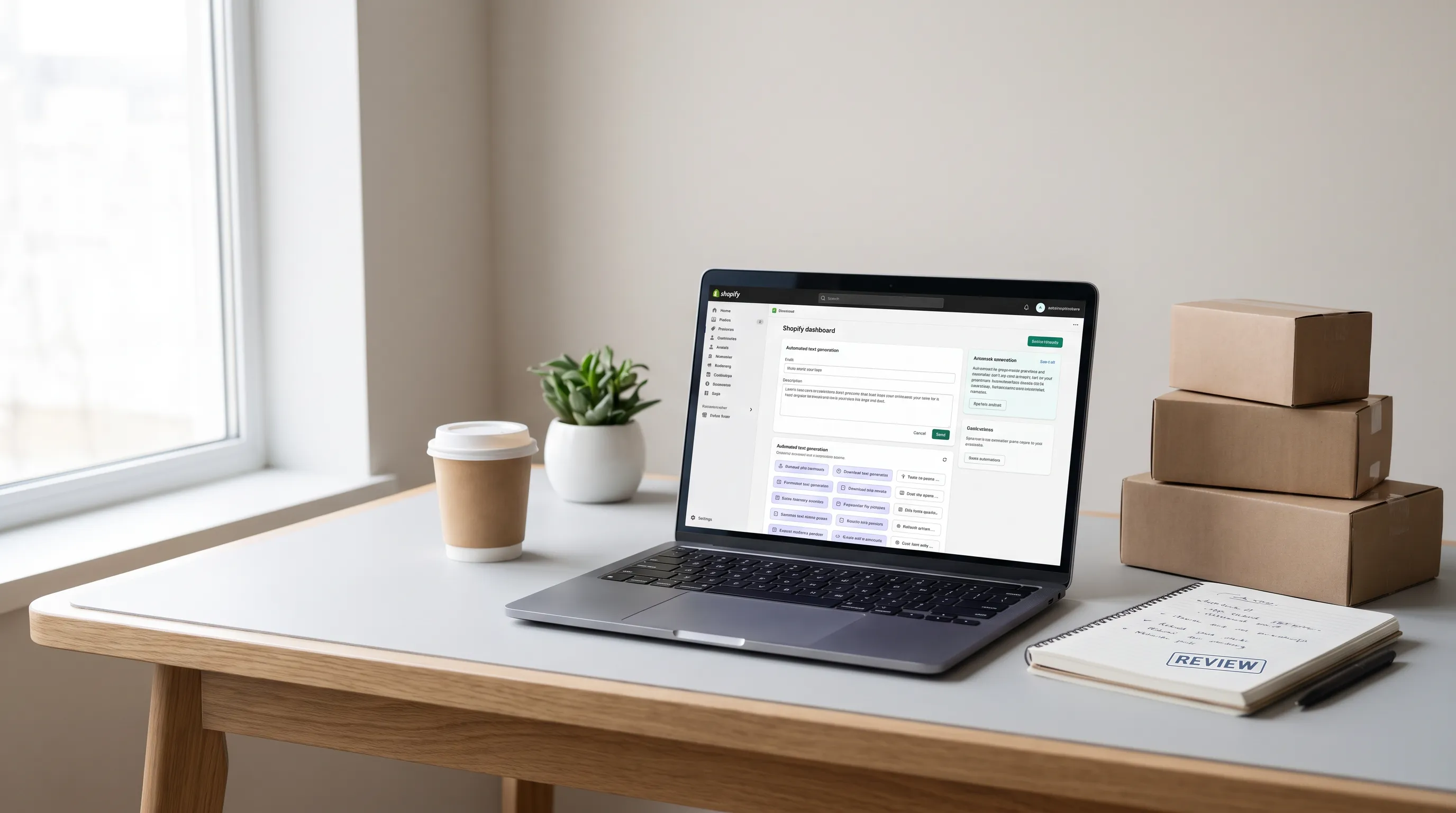
Shopify POS explained: cash register for your physical store and webshop
 Patrick Verhoeks
 What is Shopify POS and how does the point-of-sale system work? Discover how to combine your physical store and webshop with Shopify Point of Sale. Including costs and hardware.
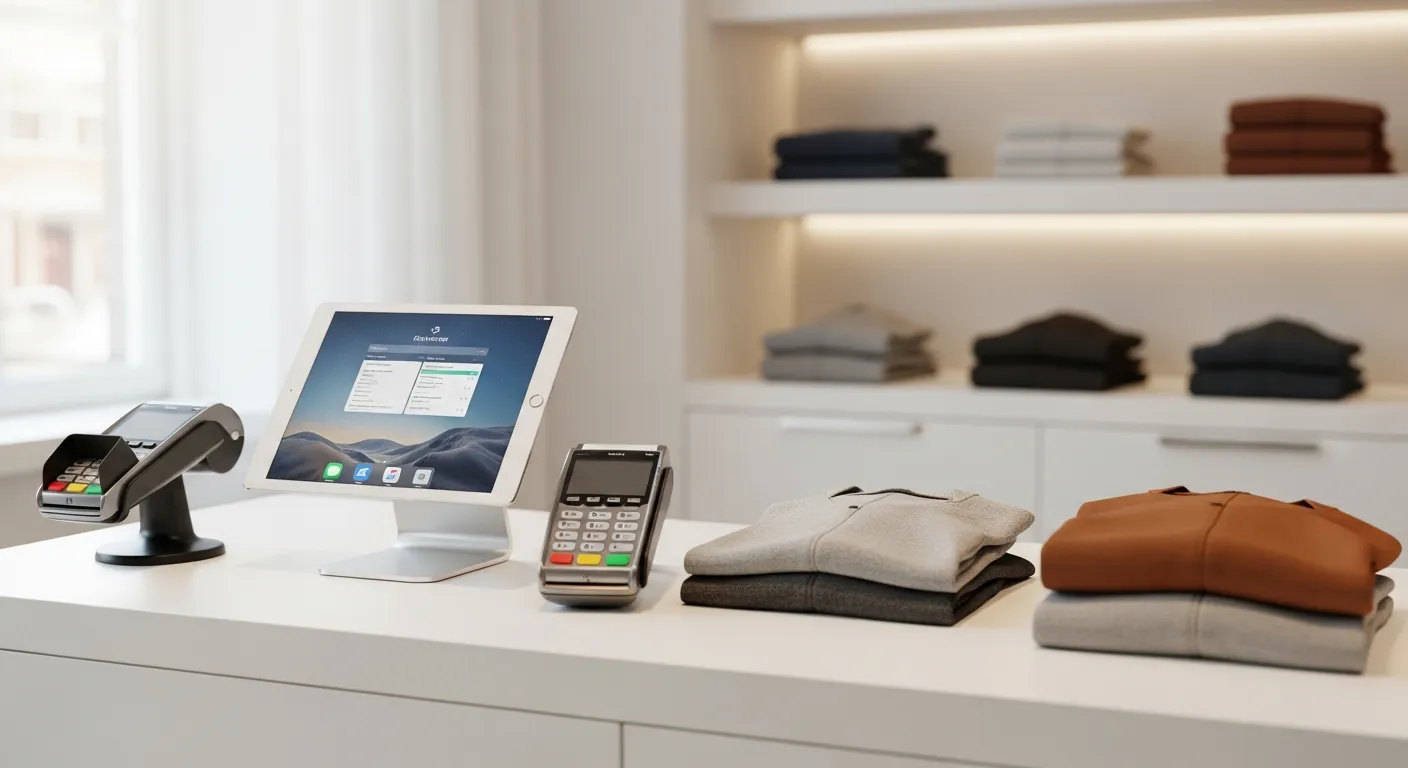
Do you have a physical store, pop-up shop or point of sale at trade fairs alongside your webshop? Then Shopify POS (Point of Sale) is a smart solution. It lets you combine your online and offline sales in one system — with one inventory management, one customer database and one reporting dashboard. In this article I explain how it works, what it costs and when it makes sense for you.
What is Shopify POS?
Shopify POS is Shopify’s cash register solution for physical points of sale. Via an app on an iPad or iPhone (iOS) or Android device, you process payments, manage inventory and link loyalty cards — all synchronised with your Shopify webshop.
With Shopify POS you can:
- Accept payments via card, credit card, cash or gift card
- Track inventory in real time across multiple locations
- Store customer details and link them to loyalty programmes
- Apply discount codes and promotions that are also valid online
- Email or print receipts
- Process exchanges and returns
Shopify POS Lite vs. Pro
Shopify offers two POS variants:
POS Lite — included with every Shopify subscription. Suitable for occasional sales, markets or pop-up stores. Limited features: no advanced inventory management across multiple locations, no detailed staff reports.
POS Pro — €89 per month per location (in addition to your Shopify subscription). For retailers selling daily through a physical store. Includes unlimited staff logins, advanced inventory management, converting webshop orders to store pick-ups, and more.
| Feature | POS Lite | POS Pro |
|---|---|---|
| Monthly cost | Included | €89/location |
| Accept payments | ✓ | ✓ |
| Inventory management (1 location) | ✓ | ✓ |
| Multiple locations | Limited | Unlimited |
| Staff management | Limited | Full |
| Reports per employee | ✗ | ✓ |
| Click & collect (order online, collect in store) | ✗ | ✓ |
What hardware do you need?
Shopify works with its own hardware and third-party hardware. The official Shopify hardware isn’t available everywhere, but most options work via Bluetooth or USB.
What you need:
- An iPad, iPhone or Android phone/tablet (the POS app is free)
- A card reader: Shopify has its own readers (€49–€199), but in the Netherlands a terminal from Mollie or other card readers also work via integration
- Optional: a receipt printer (Bluetooth or ethernet)
- Optional: a cash drawer (connected via receipt printer)
Note that Shopify Payments in the Netherlands wasn’t available for POS at the time of writing. For POS payments you use an external payment provider (such as Mollie) via integration.
Advantages of one system for online and offline
The biggest advantage of Shopify POS is one combined backend. Say you sell a jacket in your store. The inventory in your webshop is automatically adjusted. No double maintenance, no miscommunication.
Other advantages:
- Customer insight: you see what a customer buys both online and offline
- Unified promotions: a discount applies in the store and in the webshop
- Combined reporting: one overview of all your revenue, per channel
- Click & collect: customers order online and collect in store (POS Pro)
Is Shopify POS right for you?
Yes, if you:
- Have a physical store and also sell online (or want to)
- Sell at markets, trade shows or pop-up events
- Want to modernise your cash register and connect it to your webshop
- Work with multiple sales locations
Less suitable if you:
- Only sell online (then you don’t need POS)
- Work with complex ERP systems requiring deep cash register integration
- Process high volumes with specific fiscal requirements
Setting up Shopify POS: how it works
Setting up Shopify POS is simpler than you’d think:
- Activate POS in your Shopify dashboard under ‘Point of Sale’
- Download the Shopify POS app on your tablet or phone
- Configure your payment methods
- Set up locations and link your inventory
- Add employees with their own PIN
- (Optional) Connect a receipt printer and cash drawer
At Web Builders we also help with POS configuration as part of your Shopify store project. That way your online and offline channels are aligned from day one.
Conclusion
Shopify POS is a smart, affordable cash register solution for entrepreneurs who sell both online and offline. The integration with your Shopify webshop makes it particularly powerful: one system, one overview, less manual work.
Want to know how to use Shopify POS for your situation? Get in touch and I’m happy to think it through with you.
- #shopify pos
- #shopify point of sale
- #retail shopify
- #physical store shopify