Connecting Channable to Shopify — how feed management works for your store
 Patrick Verhoeks
 Want to automatically sync your Shopify products to Google Shopping, Bol.com or Amazon? Learn how to connect Channable to Shopify and what you can achieve.
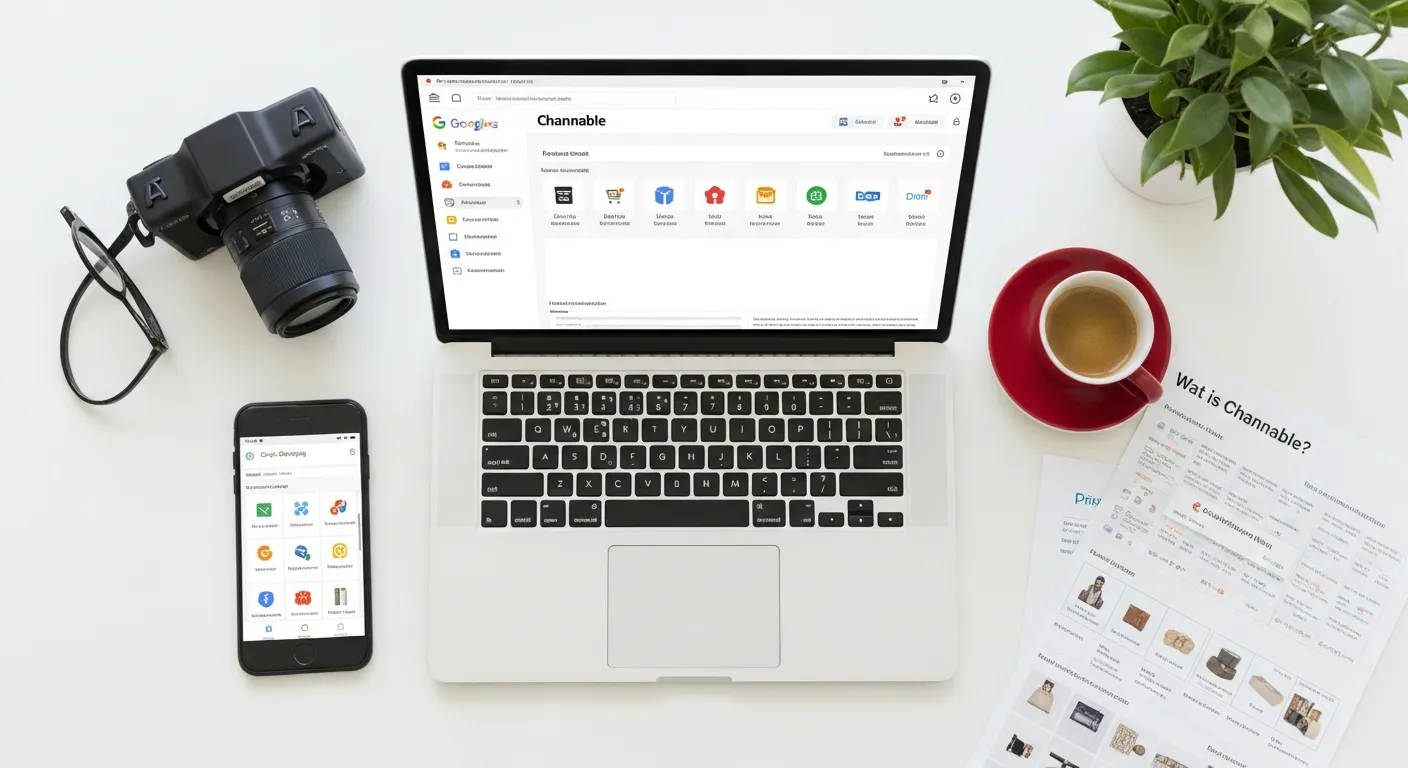
If you want to sell seriously via Google Shopping, Bol.com or other marketplaces, manually uploading products is not an option. You need automatic feed synchronisation. In this article I explain how to connect Channable to Shopify and what you can achieve with it.
What is Channable?
Channable is a feed management platform that automatically sends your product catalogue to external sales channels. You connect Shopify once as a data source, set up rules per channel, and Channable keeps everything up to date — even when you change prices, inventory or product information.
As an official Channable partner, at Web Builders we set up these connections daily for Shopify stores of various sizes and industries.
Why feed management is indispensable
Without a feed management tool like Channable you run into these problems:
- Manually maintaining prices and inventory on each channel separately
- Outdated product information on Google Shopping leads to rejections and mismatches
- No scalability — with 50 products you can manage manually, with 500+ you can’t
- Missed opportunities on Bol.com, Amazon and Zalando because the setup seems too complex
Channable solves this structurally: set it up once, then fully automated.
How the Shopify–Channable connection works
Step 1: Connect Shopify as a data source
Via the Channable interface you connect your Shopify store as a data source. Channable then fetches your products, variants, prices, inventory and metafields via the Shopify API. The initial import usually takes a few minutes.
Step 2: Transform products with rules
Each sales channel has its own requirements for product titles, descriptions, categories and attributes. In Channable you set up rules per channel:
- Combine titles:
[Brand] + [Product name] + [Colour] - Map categories to Google Product Taxonomy or Bol.com category structure
- Set price rules (e.g. add margin for marketplace sales)
- Exclude products based on inventory or margin
Step 3: Activate channels
Channable has direct connectors for, among others:
- Google Shopping (via Google Merchant Center)
- Bol.com (assortment + orders)
- Amazon (listings + orders)
- Marktplaats, Beslist, Vergelijk.nl, Zalando
- Facebook & Instagram Shopping
- Microsoft Advertising (Bing Shopping)
Per channel you activate the feed and connect your advertising account. Orders that come in via Bol.com or Amazon can also be sent back to Shopify via Channable, so everything is visible in one system.
Step 4: Monitoring and optimisation
Channable shows rejections per channel — so you immediately see which products aren’t correct and what to fix. We recommend checking feed status weekly and optimising titles and categories quarterly based on performance data.
Channable vs. native Shopify Google Shopping
Shopify has its own Google & YouTube app that can create a basic Google Shopping feed. For small catalogues (up to ~50 products) this is sufficient. Once you:
- Have more than 50–100 products
- Want to serve multiple channels
- Need advanced rules and transformations
- Want to centralise orders from marketplaces in Shopify
…then Channable is the better choice. The time saving and additional revenue via extra channels justifies the subscription costs in virtually all cases.
What we do as a Channable partner
As an official Channable partner at Web Builders we handle the complete setup:
- Shopify connection set up and products imported
- Feed structure built per channel (Google Shopping, Bol.com, etc.)
- Rules and transformations built to measure for your assortment
- Channels activated and advertising accounts connected
- Feed monitoring set up so rejections are immediately visible
- Optional: order integration via Bol.com and Amazon fed back into Shopify
See our Shopify integrations & connections for more information, or book a free conversation to discuss what Channable could mean for your store.
Frequently asked questions
-
What is Channable and why do I need it for Shopify?
Channable is a feed management platform that automatically synchronises your Shopify product catalogue to Google Shopping, Bol.com, Amazon, Marktplaats and dozens of other channels. Without Channable you need to manually maintain feeds on each channel — with Channable this is fully automated, including price changes and inventory updates.
-
How do I connect Channable to my Shopify store?
You connect Channable to Shopify via a native API connection. In Channable you then set up rules to transform, categorise and adjust products per channel. The connection runs via the Channable app in the Shopify App Store or via a direct API connection.
-
What does Channable cost?
Channable works with a subscription model based on the number of products and channels. Prices start from around €29 per month for small catalogues. For larger catalogues or multiple channels this increases. As a Channable partner we advise you on the right package for your situation.
-
Can I also use Channable for Bol.com and Amazon?
Yes. Channable has direct integrations with Bol.com, Amazon, Zalando, Marktplaats, Beslist, Vergelijk.nl and more than 2,500 other channels. Per channel you set up separate rules for titles, descriptions, categories and prices.
- #channable shopify
- #shopify google shopping
- #feed management shopify
- #shopify marketplace
- #shopify integrations